Free
Start immediately with up to two processes. A license is not required.
 PM2HubDownload
PM2Hub licensing
Use PM2Hub Free for up to two processes, or activate a yearly license for unlimited processes and every feature.
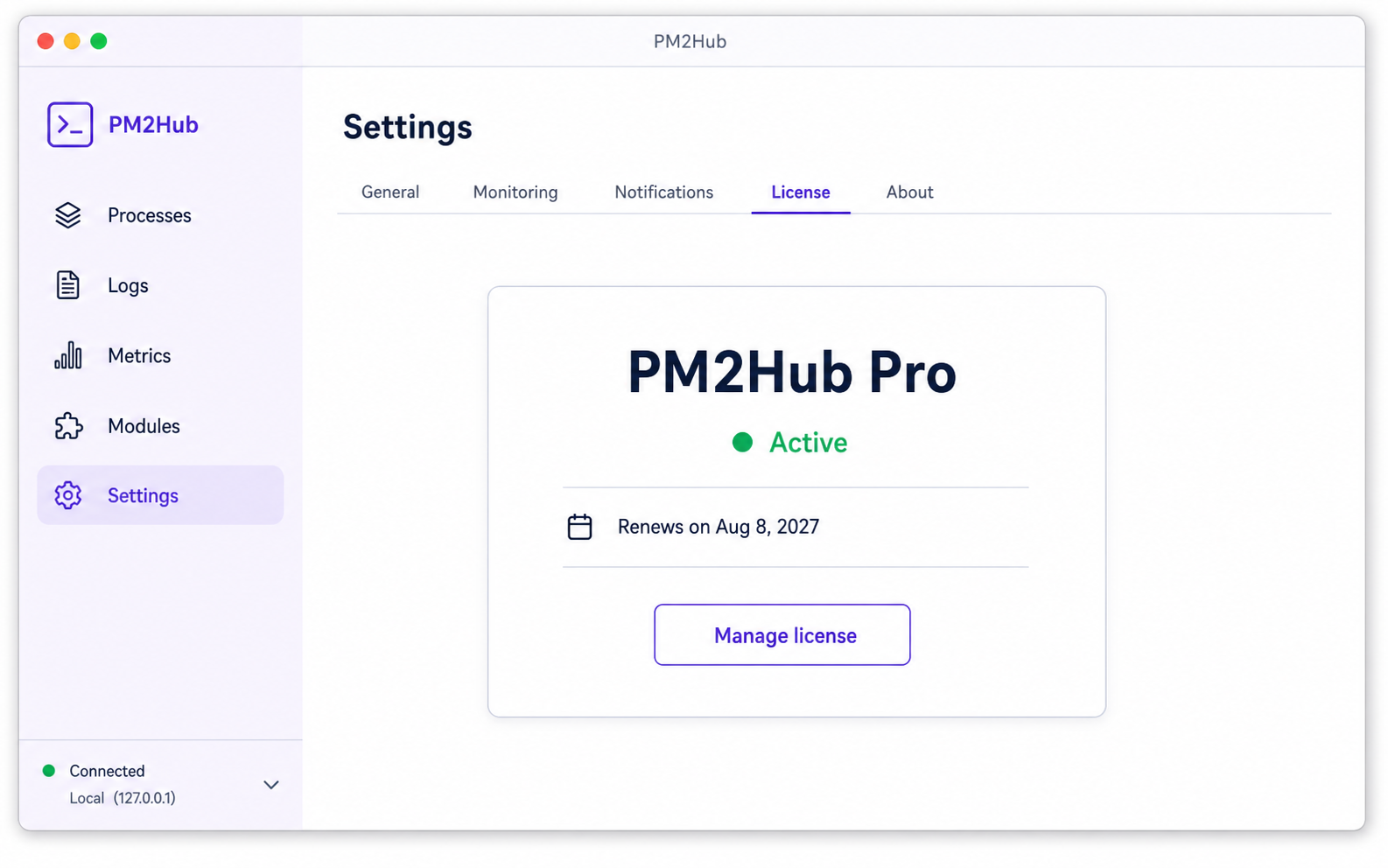
PM2Hub license
PM2Hub shows whether your license is active, when it is valid until, and lets you verify or replace the key from Settings.
Buy a PM2Hub licenseStart immediately with up to two processes. A license is not required.
Purchase through Gumroad and activate the license key in PM2Hub for unlimited processes and all features.
Your yearly subscription renews through Gumroad. Keep the same license key and PM2Hub will verify the renewed entitlement.
Licensing FAQ
A license is valid for one year while the yearly Gumroad subscription is active. Renew through Gumroad to keep using the unlimited-process plan.
Gumroad gives you a license key after checkout. Open PM2Hub, choose Activate license, paste that key, and activate it while connected to the internet.
PM2Hub returns to the Free plan, which allows up to two processes. Your local configuration is not deleted.
An internet connection is required to activate the key and to confirm a renewal. If a verification cannot be completed when a license is due, PM2Hub provides a short seven-day grace period.
Use the subscription link in your Gumroad receipt or library. PM2Hub also provides a Manage subscription button in Settings.